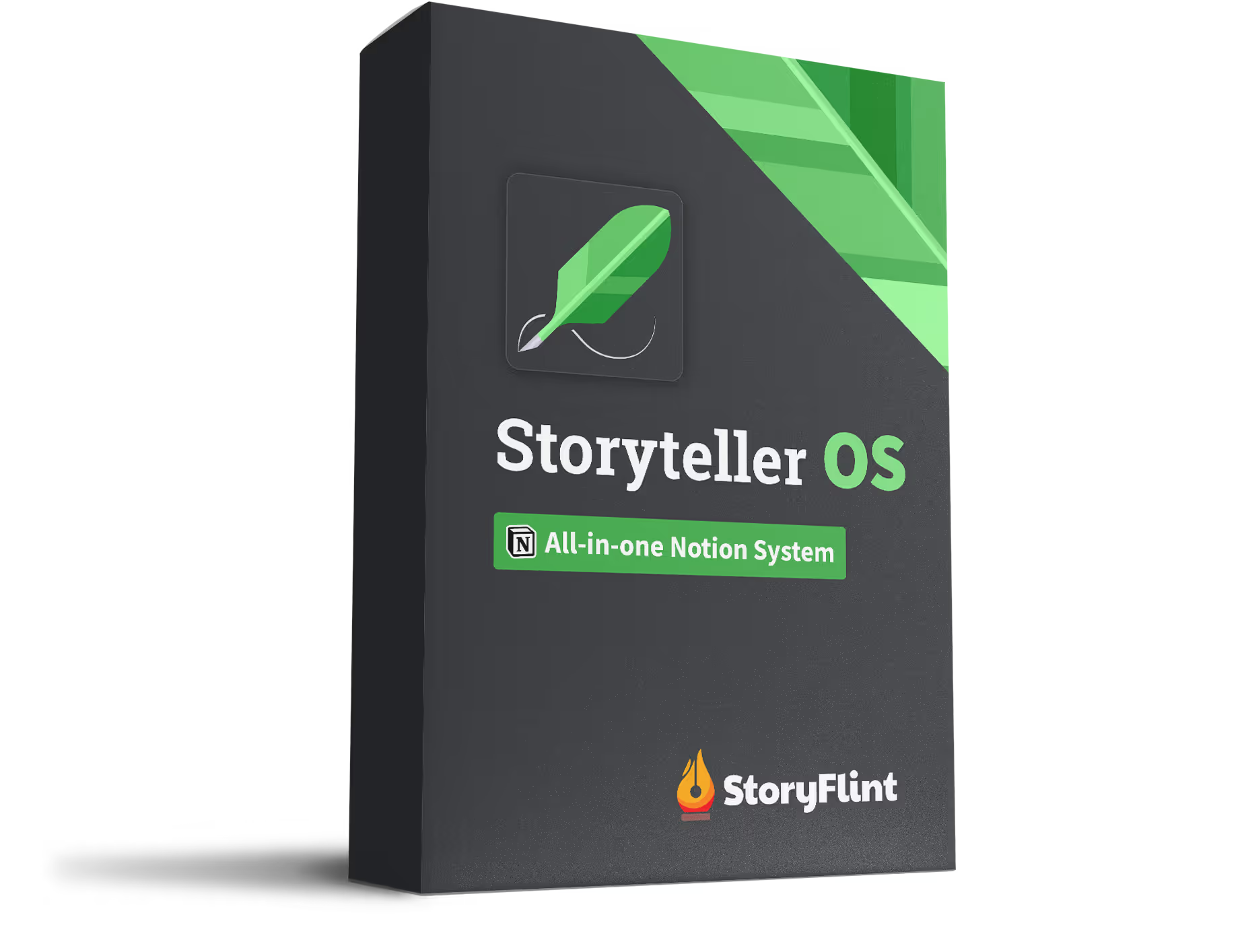
Gain the storytelling clarity you seek by having all your notes in one connected system — Meet the Storyteller OS.

Is Scrivener Good for Story Organization? A Seven-Criteria Evaluation
Scrivener has no concept of a character — by design. What that costs on a long project, and what to use instead.

Written by Kevin Barrett
share




🔥 Why this guide exists
No mind was built to hold an entire novel at once. StoryFlint turns the chaos in your head into a story you can see and control — frameworks to order your thinking, and the Storyteller OS to order your project. Bring us the mess.
share
If you write in Scrivener and still keep your world notes somewhere else, you haven't failed at using the software. That's the design working as intended.
Scrivener is the best long-form drafting environment novelists have. It breaks a manuscript into pieces of any size. Your research sits one click from the page, and it compiles to whatever format a publisher asks for.
It was never built to be a story bible. Literature & Latte position it as a tool for producing a first draft, and by their own support team's account it has no concept of a character or a location as a thing that can be tracked.
That isn't a gap in the feature list. It's an architectural decision, argued on the record, and it tells you exactly which job Scrivener does and which job you still have to solve.
What Scrivener promises: proximity, not connection
Literature & Latte's stated design promise is proximity: Scrivener brings your notes, research and writing together so that everything is always at hand.
Read that again. Proximity is not connection.
Proximity means the character sheet is nearby while you write chapter nine. Connection would mean chapter nine knows which characters appear in it.
Scrivener commits to the first and says nothing about the second.
Once you see that line, most of what writers miss on a long project turns out to be the same missing thing.
Why Scrivener has no character or location tracking
Writers keep asking Literature & Latte for character and location tracking, and keep being told no. The same request appears in the Wish List forum across more than a decade — 2012, 2018, 2020.
In the 2018 thread, a writer arriving from yWriter asks for automatic tracking of names and aliases. A forum regular replies with a workaround stack — autocomplete lists, compile-time replacements, saved searches — then names the reason it can't work natively: Scrivener doesn't have a concept of what a "character" is, or that five nicknames belong to one person. Another user in the thread defends that position. Metadata this specialized, he argues, adds complexity for a minority of users.
That argument is more defensible than it first sounds. The audience Literature & Latte name is deliberately wide: novelists, screenwriters, non-fiction writers, students, academics, lawyers, journalists and translators. A tool serving eight professions cannot ship a Characters database.
So it's a design decision, not an oversight. No future version is coming to fix it for you.
Scrivener does have document links and backlinks
Scrivener does have linking, and anyone who tells you otherwise hasn't opened the Bookmarks pane.
Wiki-style [[document links]] work once enabled in Settings, under Corrections — documented by Literature & Latte. Dropping any item into the Bookmarks pane creates a two-way link between two documents in a single drag. Back-links appear in a list you can prune, with an editable text frame below them, so you can read and edit every document that references the one you're on without leaving the page.
Literature & Latte's head of support goes further, arguing the outline is itself a form of linking — filing "Nicole" under "Minor Characters" states a relationship — and that link-first tools punish you on the day you stop linking. A regular in the same thread puts the counter-argument well: maintaining that many links by hand is an enormous amount of work, worth it for Wikipedia and its volunteers, less obviously worth it for a private reference document.
The limitation isn't that links don't exist. It's that they're untyped and hand-made. Featured Characters and Location are the same kind of link to Scrivener, which is to say: no kind at all.
What the missing entity model costs you on a long project
You can't find what you can't name. A 2022 forum thread has the clearest statement of it I've seen. A writer asks whether a complex world bible works in an app that isn't a wiki. What she wants to recover: the name of a church, the eye color of a minor character, the dish someone cooked in chapter three. Then she names the failure exactly — she'll remember they cooked, but not that it was porridge, so searching "food" finds nothing.
Text search needs the word. Retrieval by relation doesn't ask you to remember anything.
Book two starts empty. Asked in September 2024 how to share characters between two books, Literature & Latte's support offered two routes: keep character sheets as files on disk and import them into each project as shortcuts, or maintain a dedicated series-bible project and link each book to it. Both are manual. Neither creates shared data.
Independent authors describe the same shape — dragging research between binders, copying finished manuscripts into a bible project so they can be searched together. The recurring verb across every account is drag, copy, or link to a second project. Never share.
Writers end up building their own systems. One author documents a three-app stack: Scrivener for the bible, Scapple for character relationships, Aeon Timeline for events. Another wrote a whole post on reconstructing a series bible out of saved searches, having not kept one from the start.
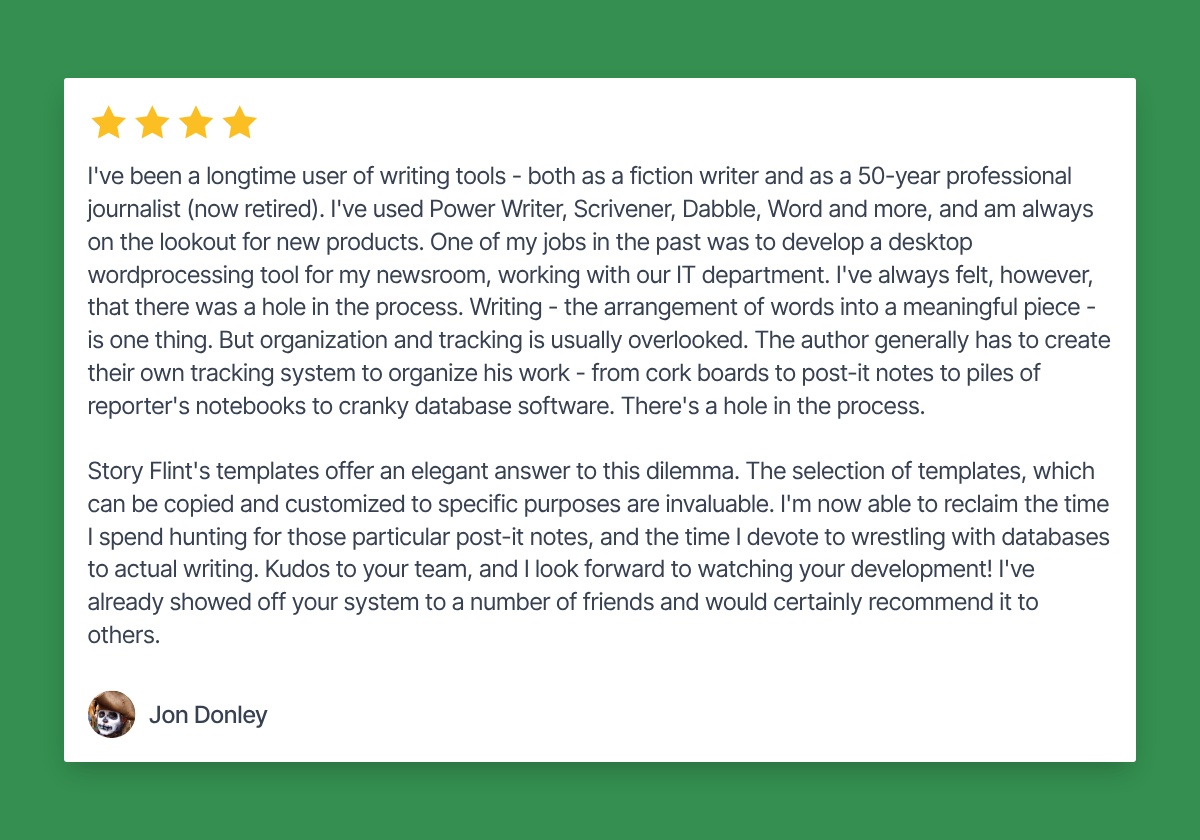
Jon Donley, a novelist and fifty-year journalist, described the pattern before he started using StoryFlint templates. He'd used Power Writer, Scrivener, Dabble and Word. His conclusion: writing is one thing, but organization and tracking gets overlooked, so the author ends up building their own tracking system.
Cork boards. Post-it notes. Piles of reporter's notebooks. Cranky database software. He called it a hole in the process.
None of these are complaints about quality.
Scrivener scored against seven story-organization criteria
Seven criteria, drawn from what writers describe losing track of rather than from any product's marketing:
Scrivener puts every kind of story material in one place, which is the hardest part. What it doesn't do is hold the relationships between the things in that place.
What Scrivener costs
$59.99 for macOS or Windows, $23.99 for iOS, paid once. No subscription. A second desktop platform cross-grades at $37.95, and there's a 30-day free trial that counts days you actually open the app rather than calendar days. A Mac, a Windows machine and an iPad is $121.93 for all three; most people buy one and never think about it again.
For a tool most writers keep for a decade, that's not expensive. Nobody quits Scrivener over the price.
So the decision isn't about money. It isn't about switching, either.
Four questions that tell you whether you need a story bible
In the project you already have, without buying anything. Answer no to all four and Scrivener on its own is genuinely enough — you can stop reading.
- Have you changed a detail in one file and forgotten the three other files it lives in? Search a minor character's name. Count where it appears. Now picture renaming them.
- Can you find something you can't name? Think of something around chapter three you can picture clearly but can't put a word to. Try to find it. If you can't, that's not a memory problem.
- Does book two start empty? Open the second project. How much of book one's world had to be carried over by hand? Everything you copied is something you now maintain in two places.
- Where did your last three ideas actually land? Phone notes, a notebook, a text message to yourself. If they didn't land in the project, the gap is capture, not storage.
Each question isolates a different job — propagation, retrieval, series scale, capture speed. None of them are drafting. Answer yes to two or more and what you're missing is a bible, not a better drafting tool.
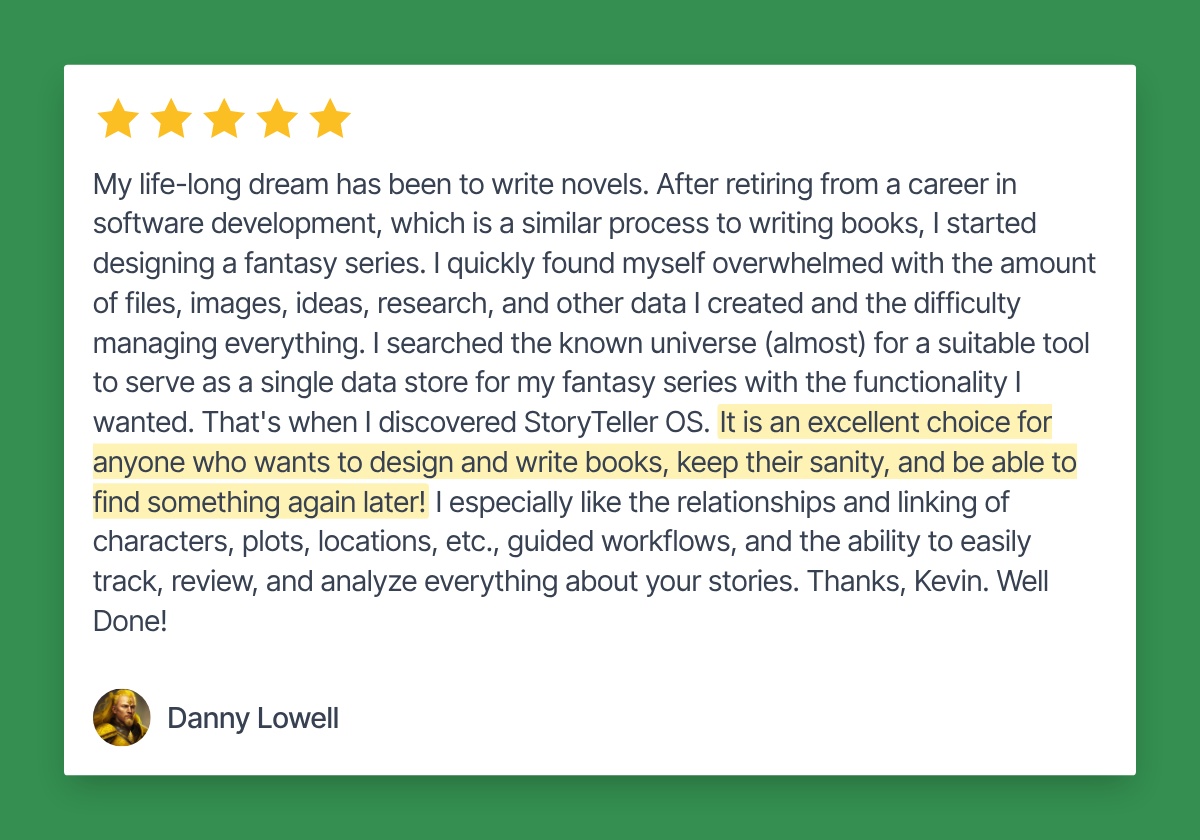
Danny Lowell, a retired software developer, described this before he found Storyteller OS. He was designing a fantasy series and found himself overwhelmed by the volume of files, images, ideas and research he'd created. What he went looking for was a single place to keep it — so that he could find something again later. That's question two, stated by someone who spent a career building systems.
How to pair Scrivener with a story bible
What you need alongside Scrivener is a layer where story elements are records rather than documents, and where the relationships between them are typed. Literature & Latte's own support team recommends a separate series-bible project for material shared across books — a fair admission that this layer sits outside the manuscript.
You have three reasonable ways to build it: a second Scrivener project kept as a series bible, which L&L's support team will help you set up; a hand-built Notion setup, which plenty of writers do well; or a pre-built relational system like Storyteller OS, where a scene knows which characters are in it and each character knows which scenes they appear in, without either link being made by hand twice.
The split is the same whichever you pick. Prose, chapters, revision and compile stay in Scrivener, because nothing else does those as well. Characters, locations, events, timeline and themes live in the bible — anything that has to survive from book one to book four.
One honest cost: there's no sync between the two. You keep two windows open, and you update the bible when something changes.
What you get is a bible that doesn't care which book you're on.
If Scrivener were the problem, somebody would have said so.
FAQs
Contents